Ray tracing and faster load-times be damned: the DualSense controller is the PS5’s most impressive innovation. And while the controller does work on PC, Sony only supports its feature package when connected using a cable.
For years, community and third-party developers have been working on ways to bypass that restriction and allow players on PC to use all of the functionality of a DualSense wirelessly, just as they can on PS5. And now, thanks to a major new update to DSX – a third-party app that greatly expands what users can do with a DualSense on PC – this can be done.
DSX has long been used to enable much greater control of the DualSense, unlocking the ability to create user profiles, deeper customisation of the controller’s various nobs, access to its LEDs and more. Thanks to its most recent update, haptics and Bluetooth audio are now functional when using the controller over Bluetooth, eliminating the need for a cable.
As spotted by Digital Foundry, the v3.2 patch, now in beta, is what adds the feature to DSX. The app seemingly does this by creating a “Virtual DualSense” which can receive native DualSense signals from supported games.
Even aside from its beta nature, this feature is only available to players who own the DSX app on Steam, as well as the DSX+ DLC. The main app costs £7.15/$8, and the DLC adds £3.59/$4 on top, though there’s a bundle that gets you a slight discount.
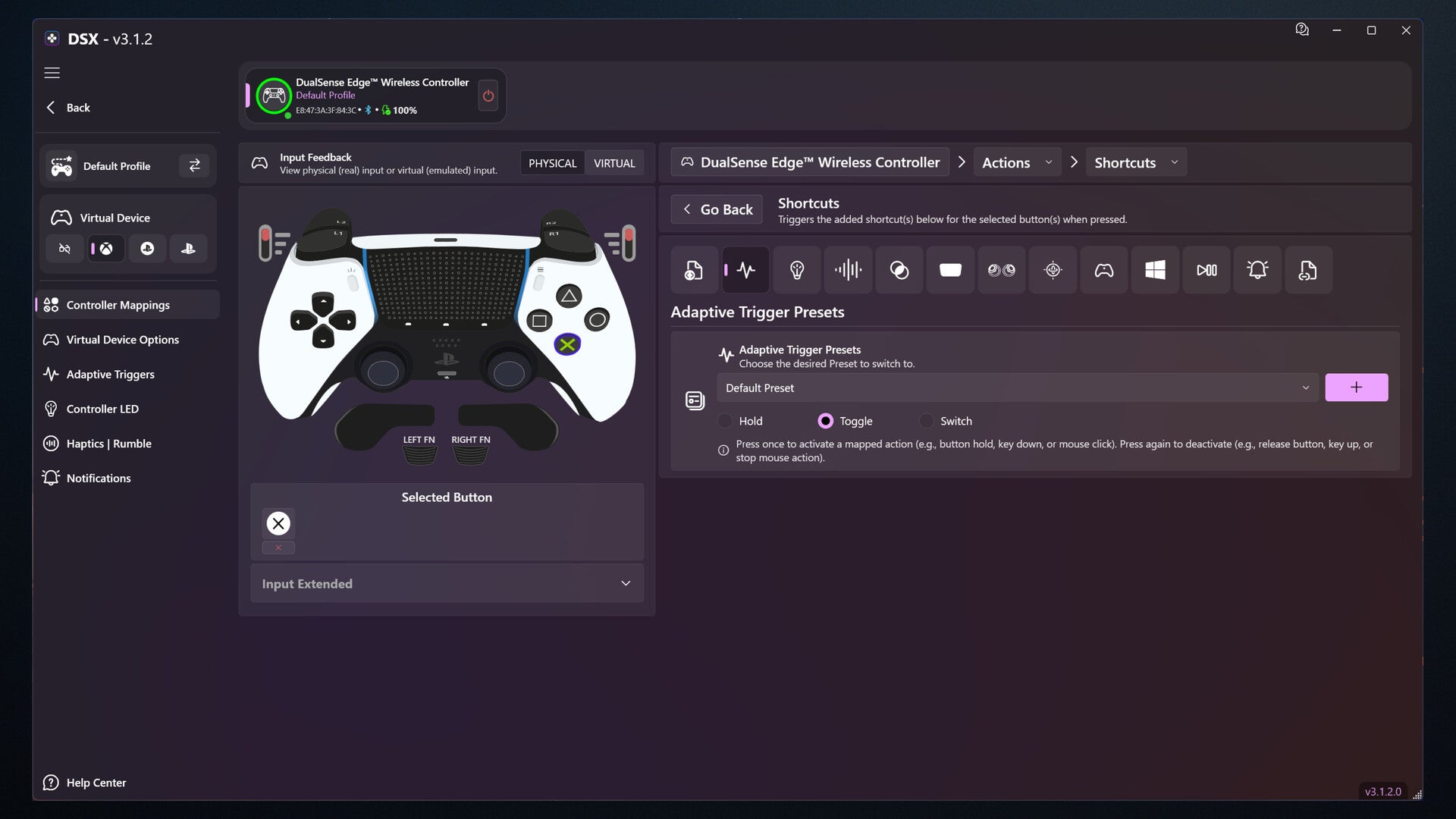
Of course, for any of that to work, you’ll need DSX running in the background whenever you want to enjoy the DualSense features wirelessly. Though, according to the patch notes, this most recent update has made it so you can launch the app manually outside of Steam – but only for 28 consecutive days, before a Steam login will be required to refresh that period.
So yes, something of a convoluted – and a bit costly – process, but it does mean you’ll be able to use your DualSense controller on PC while retaining all the functionality that made it special in the first place.
And, since no official dongle for the DualSense exists, we’ll have to rely on software solutions such as DSX to get it done. Or, perhaps you can build your own Raspberry Pi adapter.

