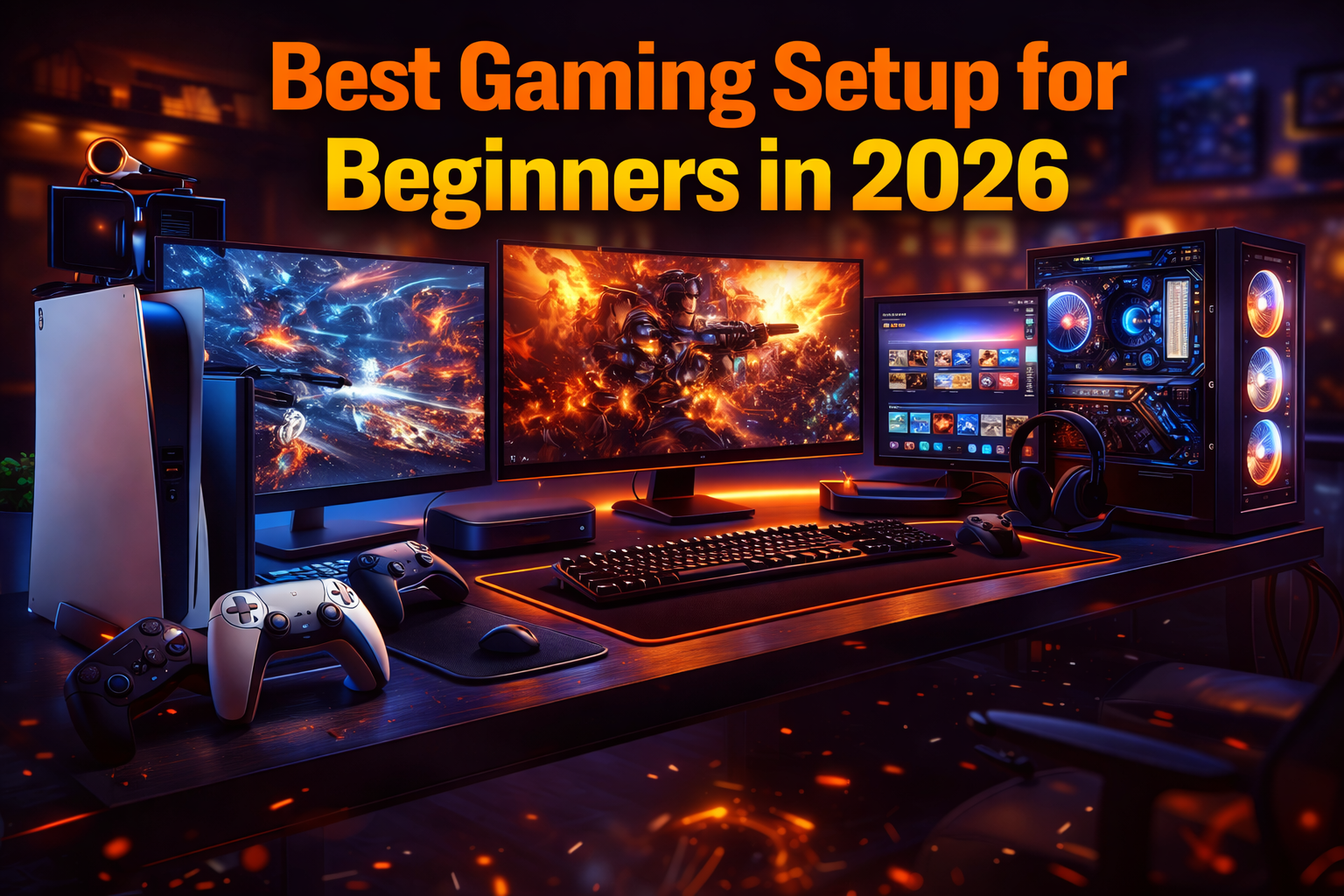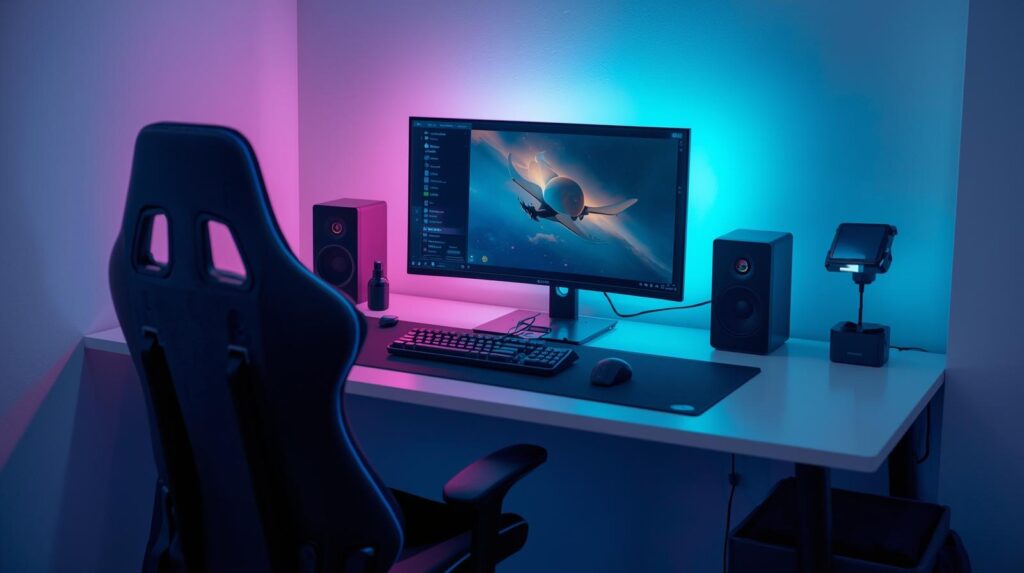
Gaming in 2026 is more immersive and competitive than ever. From high-performance PCs and consoles to ergonomic chairs and high-refresh-rate monitors, the right setup can make a huge difference in comfort, performance, and enjoyment. For beginners, building a gaming setup doesn’t have to be overwhelming or expensive—what matters is choosing the right components that match your needs, game preferences, and budget.
This guide covers everything a beginner needs to create a top-tier gaming setup in 2026, including hardware, peripherals, furniture, and software optimizations. By following this guide, you’ll have a setup that is future-proof, comfortable, and capable of handling the latest games.
Why a Good Gaming Setup Matters
A proper gaming setup is more than just a PC or console—it’s about performance, comfort, and efficiency. Key benefits include:
- Improved Performance: Faster frame rates, smooth gameplay, and reduced lag.
- Better Comfort: Ergonomic furniture reduces fatigue during long sessions.
- Enhanced Focus: A well-organized setup improves concentration and game performance.
- Future-Proofing: Choosing quality components ensures longevity as games become more demanding.
Essential Components of a Gaming Setup
A complete gaming setup consists of hardware, peripherals, furniture, and software optimizations.
1. Gaming PC or Console
PC Setup for Beginners
- Processor (CPU): Intel Core i5/i7 (12th Gen) or AMD Ryzen 5/7 for smooth performance.
- Graphics Card (GPU): NVIDIA RTX 3060/4060 or AMD Radeon RX 6600/7600 for high-quality visuals.
- RAM: Minimum 16GB for modern games, 32GB for future-proofing.
- Storage: SSD (500GB+) for faster load times; optional HDD for extra storage.
- Cooling System: Air or liquid cooling to prevent overheating during long sessions.
Console Setup for Beginners
- PlayStation 5: Supports high-fidelity graphics, exclusive titles, and fast SSD loading.
- Xbox Series X/S: Powerful GPU, backward compatibility, and Xbox Game Pass for variety.
- Nintendo Switch OLED: Portable and family-friendly with unique games.
Tip: PC is ideal for flexibility and future upgrades, while consoles are easier for beginners and require less maintenance.
2. Monitor or Display
A quality display enhances both visual clarity and responsiveness.
Key Specifications
- Resolution: 1080p for beginners, 1440p or 4K for advanced visuals.
- Refresh Rate: 144Hz or higher for competitive games; 60Hz is sufficient for casual play.
- Response Time: 1–5ms reduces ghosting and motion blur.
- Panel Type: IPS panels offer better color accuracy; TN panels are faster but lower quality.
Tips
- Choose a monitor with adjustable height and tilt for ergonomic comfort.
- For multi-monitor setups, ensure consistent resolution and refresh rate.
3. Keyboard and Mouse (PC)
Keyboard
- Mechanical Keyboards: Provide tactile feedback, faster response, and durability.
- Key Switch Types:
- Red switches: quiet and smooth for beginners.
- Blue switches: clicky and tactile, good for typing.
- Backlighting: RGB lighting improves visibility and aesthetics.
Mouse
- DPI (Dots Per Inch): Adjustable DPI (400–1600+) allows precision control.
- Polling Rate: 1000Hz ensures faster input response.
- Grip Type: Palm, claw, or fingertip grip affects comfort and precision.
Accessories
- Mousepad: Large, smooth pads improve accuracy and consistency.
- Wrist Rest: Reduces strain during long gaming sessions.
4. Headset and Audio
Clear audio and communication are crucial for both competitive and casual gaming.
- Headphones vs. Headsets: Headsets combine quality headphones with a microphone.
- Surround Sound: Virtual 7.1 surround sound improves positional awareness in games.
- Microphone Quality: Noise-canceling mics reduce background noise.
- Comfort: Padded ear cups and adjustable headbands prevent fatigue.
5. Controller (Optional)
Some games, like fighting games, racing games, and platformers, are easier with a controller.
- Recommended Controllers:
- Xbox Wireless Controller (compatible with PC and console)
- PlayStation DualSense (haptic feedback enhances immersion)
- Fight sticks for fighting games (Tekken, Street Fighter)
Tip: Practice with both keyboard/mouse and controller to discover which is most comfortable for each game genre.
6. Desk and Chair
Desk
- Size: Enough space for keyboard, mouse, and monitors.
- Material: Sturdy wood or metal frames reduce wobble.
- Cable Management: Keep cables organized to avoid clutter.
- Height Adjustment: Optional standing desks improve ergonomics.
Chair
- Ergonomic Design: Supports spine, neck, and shoulders.
- Adjustable Armrests and Seat Height: Prevent strain during long sessions.
- Padding: Comfortable cushioning prevents fatigue.
- Budget-Friendly Options: Gaming chairs or office chairs with ergonomic features work well.
7. Lighting and Ambience
- RGB Lighting: Adds style and improves mood.
- Desk Lamps: Reduce eye strain during long sessions.
- Ambient Lighting: Bias lighting behind monitors reduces glare.
8. Internet Connection
A stable and fast connection is critical for online gaming.
- Wired Ethernet: Reduces latency and packet loss.
- Minimum Speed: 20–50 Mbps for casual online play; 100+ Mbps for streaming and competitive play.
- Ping: Lower ping (<50ms) ensures smooth online gameplay.
Optional Accessories for Enhanced Experience
- Streaming Equipment: Webcam, green screen, and capture card for beginner streamers.
- VR Headsets: For immersive experiences like VRChat or Beat Saber.
- External Storage: Backup SSDs or HDDs for additional games and media.
- Controller Charging Station: Keeps wireless controllers ready to play.
Setting Up Your Gaming Space
- Organize cables and peripherals to prevent clutter.
- Position monitors at eye level to avoid neck strain.
- Maintain proper distance (20–30 inches) from screen.
- Use ergonomic seating for extended gaming sessions.
- Control ambient lighting to reduce glare and enhance visuals.
- Soundproof or isolate your gaming area for focus and better communication.
Budgeting Your Setup
Creating a gaming setup as a beginner doesn’t have to break the bank. Consider:
| Component | Beginner-Friendly Range | Notes |
|---|---|---|
| PC/Console | $600–$1000 | Mid-range GPU and CPU; consoles are easier alternatives |
| Monitor | $150–$300 | 1080p 144Hz for smooth gaming |
| Keyboard | $50–$100 | Mechanical keyboards with RGB |
| Mouse | $30–$70 | Adjustable DPI and ergonomic design |
| Headset | $50–$100 | Comfortable with clear mic |
| Chair | $100–$250 | Ergonomic, adjustable, padded |
| Desk | $100–$200 | Sturdy, spacious, cable management |
Tip: Prioritize PC/console, monitor, and keyboard/mouse first, then upgrade peripherals gradually.
Beginner-Friendly Gaming Setup Examples in 2026
Example 1: Budget Setup
- PC: Intel i5 + NVIDIA RTX 3060, 16GB RAM, 500GB SSD
- Monitor: 1080p 144Hz
- Keyboard/Mouse: Mechanical keyboard + gaming mouse
- Headset: Mid-range headset with mic
- Chair/Desk: Affordable ergonomic chair + basic desk
Example 2: Mid-Range Setup
- PC: Ryzen 7 + RTX 4060, 32GB RAM, 1TB SSD
- Monitor: 1440p 165Hz IPS panel
- Keyboard/Mouse: Mechanical keyboard with customizable RGB + precision mouse
- Headset: Surround sound headset
- Chair/Desk: Adjustable gaming chair + spacious desk with cable management
Example 3: Starter Console Setup
- Console: PlayStation 5 or Xbox Series X
- TV/Monitor: 4K 120Hz TV
- Controller: DualSense or Xbox Wireless Controller
- Headset: Wired or wireless gaming headset
- Desk/Chair: Comfortable chair, small side table for console setup
Maintaining Your Gaming Setup
- Clean regularly: Dust keyboards, monitors, and PC components.
- Cable management: Use ties or sleeves to prevent tangling.
- Update drivers and software: GPU, peripherals, and games for optimal performance.
- Check ergonomics: Adjust chair, desk, and monitor height periodically.
- Monitor temperature: Ensure PC components stay cool; clean dust filters.
Infographic: Beginner Gaming Setup Checklist
Core Components -------- PC/Console, Monitor, Keyboard, Mouse, Headset
Furniture ------------ Desk, Ergonomic Chair
Network ------------- Ethernet or High-Speed Wi-Fi, Low Ping
Accessories ---------- Controller, Mousepad, Cable Management, Lighting
Optional Upgrades ---- VR Headset, Streaming Gear, External Storage
Maintenance --------- Clean regularly, Update Drivers, Adjust Ergonomics, Monitor Temperature
Budgeting ----------- Prioritize PC/Console + Monitor first, Upgrade peripherals gradually
Conclusion
Building the best gaming setup for beginners in 2026 is about balancing performance, comfort, and future-proofing. Start with essential components like a capable PC or console, high-refresh-rate monitor, and quality keyboard/mouse or controller. Then invest in ergonomic furniture, a reliable headset, and proper lighting.
A well-planned setup not only enhances your gameplay but also prevents fatigue, reduces strain, and improves focus, giving you the edge in both casual and competitive gaming. With the guidance in this article, beginners can confidently build a setup that is efficient, enjoyable, and ready for the latest gaming titles.
Invest wisely, practice regularly, and adjust your setup as you grow—this ensures a comfortable, immersive, and high-performing gaming experience for years to come.